
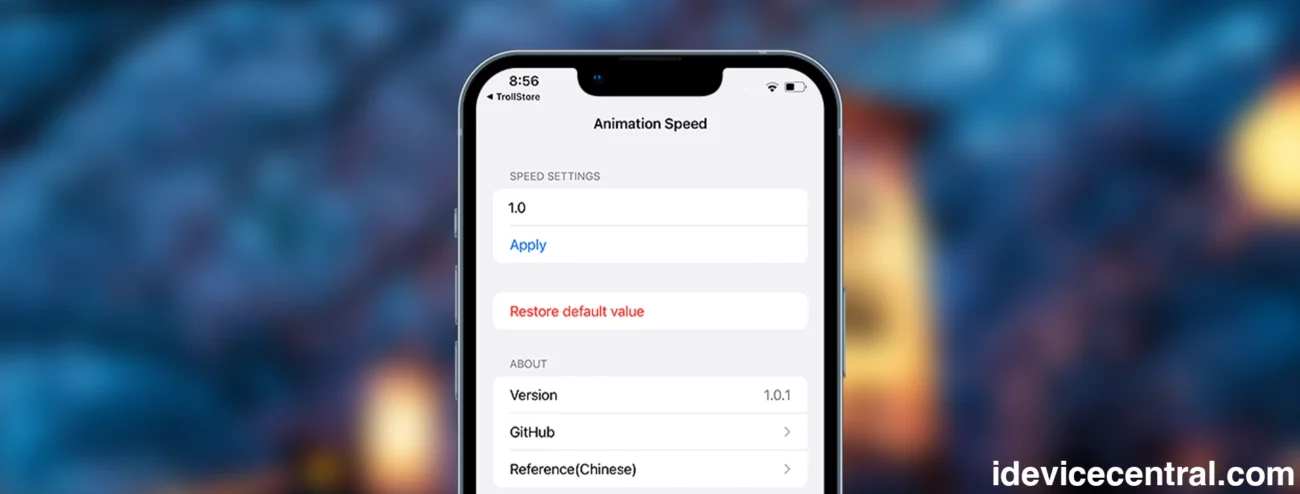
Apple locks iOS to a single, fixed animation speed, but with AnimationSpeed, you finally get full control. This TrollStore-exclusive utility lets you speed up or slow down UI animations across the entire system, giving your device a snappier, more responsive feel.
AnimationSpeed IPA works on iOS 14 – 17.0, comes with an updated interface, English language support, and a proper app icon. Best of all, it’s completely free.
Download AnimationSpeed IPA (TrollStore Edition)
AnimationSpeed is distributed as an IPA designed specifically for TrollStore.
You can:
- Download the IPA and manually import it into TrollStore
- Or use Direct Install, which auto-installs the app through TrollStore if you’ve enabled the URL Scheme in its settings
Note: This app cannot be installed using standard sideloading tools like Sideloadly or AltStore.

AnimationSpeed
A simple but powerful tool that modifies Apple’s default UI animation speed
What Is AnimationSpeed?
AnimationSpeed (created by DevelopCubeLab) is a simple but powerful tool that modifies Apple’s default UI animation speed. By choosing your own speed value, you can:
- Make iOS feel faster
- Reduce wait times between transitions
- Improve overall responsiveness
- Customize the “feel” of your device
This level of customization used to require a jailbreak (via tweaks like Speedy), but thanks to TrollStore, AnimationSpeed brings the feature to non-jailbroken devices as well.
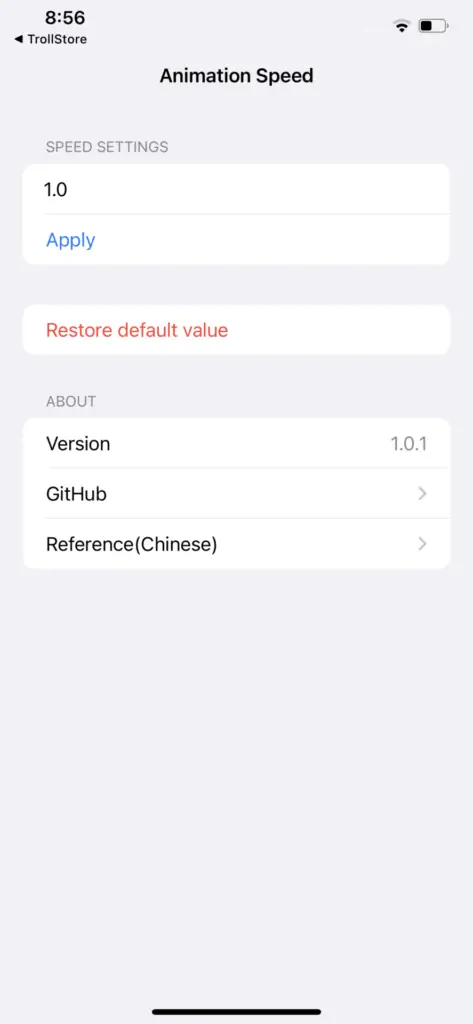
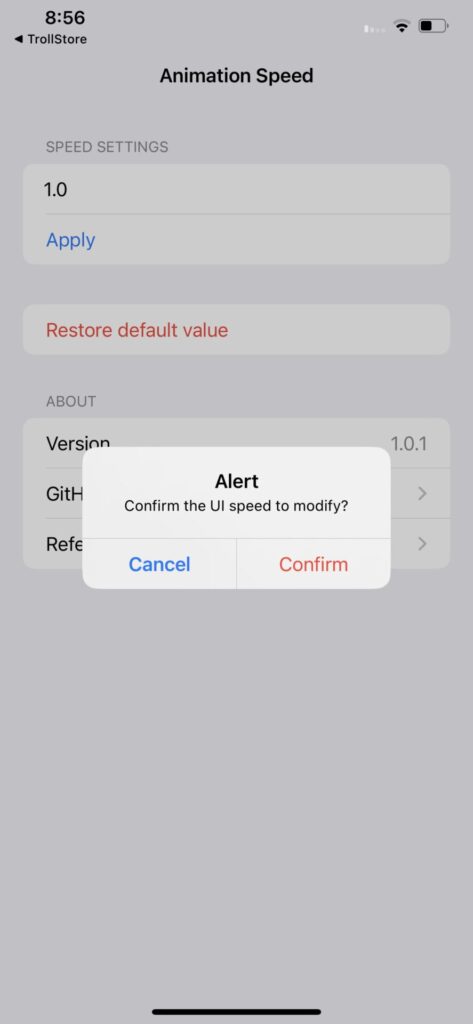
Once installed, the app appears on your Home Screen like any normal app. Just open it, enter your preferred animation speed value, apply the change, and reboot to activate the new settings.
If you don’t know how to install TrollStore, check out our TrollStore installation guide for iOS 17.0 and lower.
The app also includes:
- Reset-to-default option
- Modern, cleaner UI
- English language support
For users who prefer presets, the developer also offers iOSspeed (UI Speed), another TrollStore app that lets you pick predefined animation profiles.
How to Install AnimationSpeed IPA Using TrollStore
AnimationSpeed modifies restricted system files, so it must be installed through TrollStore. Here’s how to set it up:
Installation Steps
- Install TrollStore on a device running iOS 14 – 17.0.
- Download the AnimationSpeed IPA and save it to Files / iCloud Drive.
- Tap Share → TrollStore.
- TrollStore installs the app automatically once the IPA is loaded.
- Find AnimationSpeed on your Home Screen and open it.
Enter your preferred animation speed → reboot → enjoy the new UI responsiveness.
Jailbreak Version: AnimationSpeed Tweak
The developer has also released a version of AnimationSpeed as a jailbreak tweak beginning with version 1.0.
Important Notes:
- The tweak currently supports ARM devices only
- It does not support arm64 or arm64e devices yet
How to Install AnimationSpeed DEB (Jailbreak)
- Download the official AnimationSpeed DEB package.
- Open it in Sileo.
- Tap Get to install.
- Respring your device to enable the tweak.
More iDevice Central Guides
- iOS 17 Jailbreak RELEASED! How to Jailbreak iOS 17 with PaleRa1n
- How to Jailbreak iOS 18.0 – iOS 18.2.1 / iOS 18.3 With Tweaks
- Download iRemovalRa1n Jailbreak (CheckRa1n for Windows)
- Dopamine Jailbreak (Fugu15 Max) Release Is Coming Soon for iOS 15.0 – 15.4.1 A12+
- Cowabunga Lite For iOS 16.2 – 16.4 Released in Beta! Install Tweaks and Themes Without Jailbreak
- Fugu15 Max Jailbreak: All Confirmed Working Rootless Tweaks List
- iOS 14.0 – 16.1.2 – All MacDirtyCow Tools IPAs
- iOS Jailbreak Tools for All iOS Versions


