
Most conversations about starting a home-based custom apparel business focus almost entirely on hardware — which printer to buy, which curing unit to pair with it, how much space a setup requires. What gets far less attention is the software layer sitting behind all of it, even though it plays just as large a role in whether a small operation actually produces consistent, professional results.
A typical workflow starts long before anything touches a printer. Design work usually happens in tools like Adobe Photoshop or Illustrator on a desktop, or increasingly in apps like Procreate on an iPad, which has become a popular choice for creators who want to sketch and finalise artwork on a touchscreen before exporting a print-ready file.
Getting comfortable with layers, colour profiles, and export settings at this stage saves a lot of frustration later, since a poorly prepared file will produce a poor print regardless of how capable the hardware is.
Once a design is finished, it still has to be translated into something a physical machine can actually execute, and that’s where driver or RIP (Raster Image Processor) software comes in. This layer handles colour calibration, print resolution, and material-specific settings, effectively acting as the translator between a design file and the machine producing it.
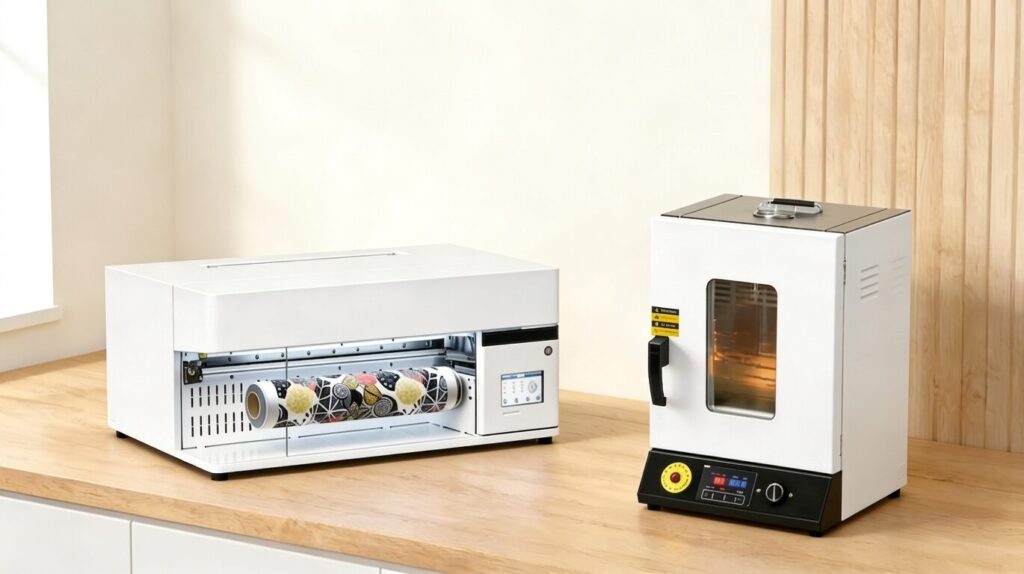
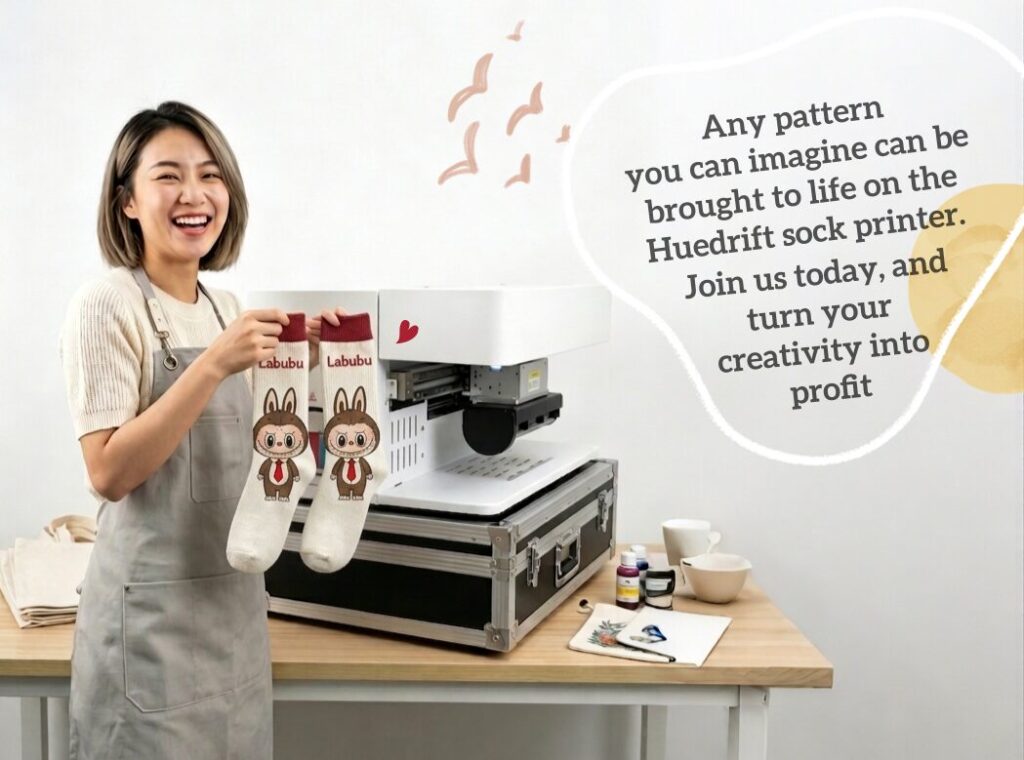
Anyone who decides to buy sock printer equipment will find that the bundled software for handling curved, all-over designs is arguably as important as the printer itself, since it’s what actually maps a flat design onto the contoured shape of a sock.
Managing the Business Side With Everyday Apps
Beyond design and production, most home-based sellers end up relying on a second layer of software entirely unrelated to printing: order management.
Platforms like Etsy, Shopify, and Printful all have dedicated iPhone apps that let a seller track incoming orders, manage inventory, and respond to customer messages without being tied to a desktop. For a one-person operation juggling production and customer service, having this on a phone rather than a computer makes a meaningful difference to how manageable the day-to-day workload feels.
Inventory tracking is one of the more common pain points for sellers producing made-to-order items in small batches. Even a simple spreadsheet app or a dedicated inventory tool can prevent the kind of oversell that happens when a popular design runs out of blank stock mid-order-cycle. Pairing an iPhone-based order dashboard with a production schedule is often what separates a smoothly run side business from one that constantly feels behind.
Software’s Role in the Curing Stage
The production process doesn’t end once a design is printed. Curing — the step that sets the ink permanently into the fabric — is also governed by software in most modern setups, since a curing unit’s control panel determines temperature accuracy and cycle timing rather than the process being left to manual guesswork.
A sock oven with reliable digital temperature control removes a lot of the trial and error that used to come with heat-based curing, since a consistent, programmable cycle produces far more predictable results than adjusting settings by feel.
Getting curing settings wrong is one of the most common reasons a print fails wash-durability testing, so having software-driven consistency at this stage matters just as much as getting the original design file right. Sellers who treat the curing stage as “just heat” rather than as another software-controlled process tend to run into more quality issues than those who follow the manufacturer’s recommended settings closely.
Putting the Full Workflow Together
A complete production cycle, from first sketch to finished product, typically moves through several distinct pieces of software: a design app for creating the artwork, driver or RIP software for translating it to the printer, an order management app for tracking the sale, and a curing unit’s control software for finishing the piece. Each layer depends on the one before it working correctly, which is why sellers troubleshooting a quality issue often need to check the whole chain rather than assuming the printer itself is at fault.
Why the Software Layer Deserves as Much Attention as the Hardware
Anyone researching equipment for a home-based sock or apparel printing business tends to spend the bulk of their time comparing hardware specifications, but the software running alongside that hardware often has just as much influence on the final result. A well-chosen printer paired with poorly understood software settings can produce inconsistent output, while a modest setup paired with a properly learned software workflow can produce genuinely professional results. For anyone serious about building a reliable small business around custom printing, treating the software layer as a core part of the setup — not an afterthought — tends to pay off in both consistency and product quality.
For those just starting out, the most practical approach is to treat hardware and software as a single investment rather than two separate decisions.
Taking the time to learn a design app properly, understand how the driver software interprets a file, and get comfortable with a curing unit’s control settings will typically do more for print quality and consistency than upgrading to a more expensive machine ever could.
Approached this way, a home-based sock or apparel printing business becomes far less about chasing better hardware and far more about mastering the full workflow that sits behind it.
More iDevice Central Guides
- iOS 17 Jailbreak RELEASED! How to Jailbreak iOS 17 with PaleRa1n
- How to Jailbreak iOS 18.0 – iOS 18.2.1 / iOS 18.3 With Tweaks
- Download iRemovalRa1n Jailbreak (CheckRa1n for Windows)
- Dopamine Jailbreak (Fugu15 Max) Release Is Coming Soon for iOS 15.0 – 15.4.1 A12+
- Cowabunga Lite For iOS 16.2 – 16.4 Released in Beta! Install Tweaks and Themes Without Jailbreak
- Fugu15 Max Jailbreak: All Confirmed Working Rootless Tweaks List
- iOS 14.0 – 16.1.2 – All MacDirtyCow Tools IPAs
- iOS Jailbreak Tools for All iOS Versions


