
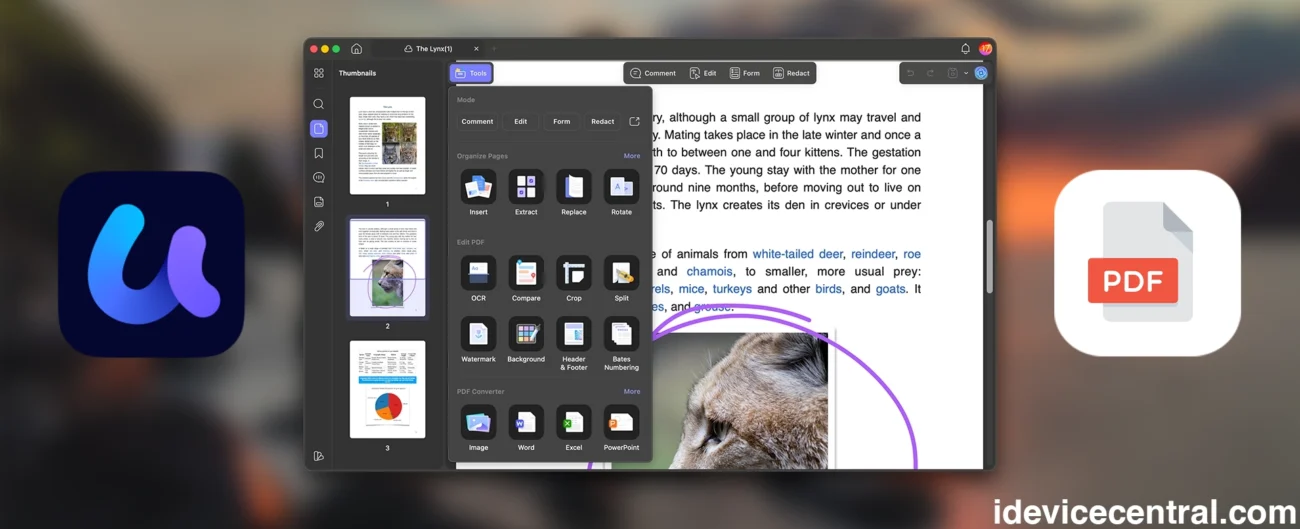
I work with PDFs almost every single day. Scripts, documentation, contracts, press materials, research papers, you name it. Running iDevice Central means I constantly receive files that need quick edits, conversions, annotations, or summaries, and for years I just accepted that Adobe Acrobat was the unavoidable evil.
Compared to Adobe software that is expensive, bloated, and honestly overkill for what most people need, or alternatives that always felt like compromises, UPDF actually comes with all the features I need, and it’s one sixth of the price of Adobe.
After weeks of real use, not just poking around menus, I can confidently say UPDF gives me everything I actually need from a PDF editor, while costing far less than Adobe Acrobat and even undercutting tools like PDF Expert and PDFelement in both price and feature balance.
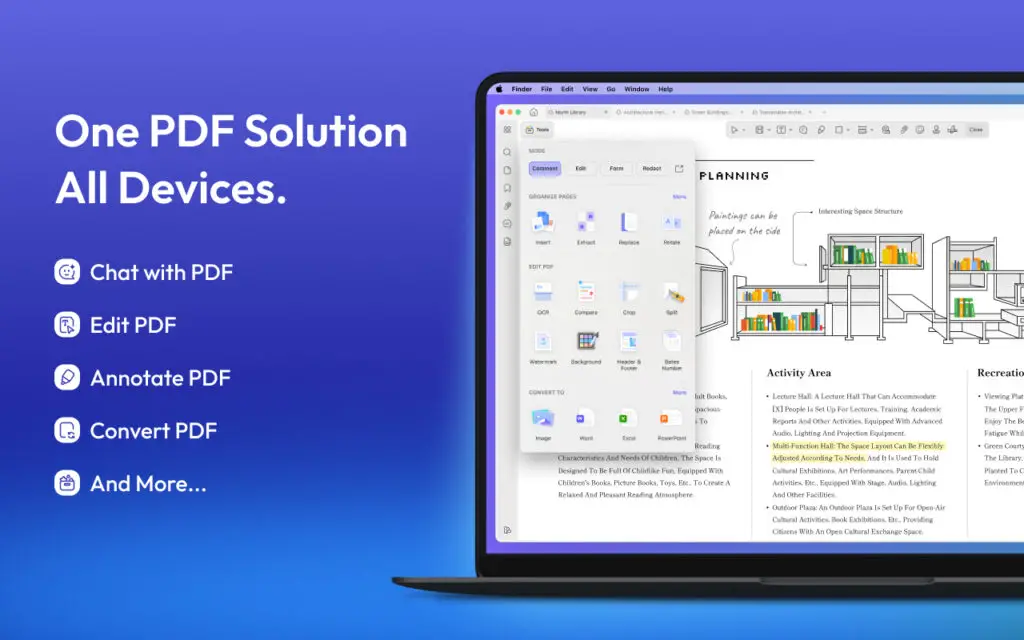
Why I Even Looked for an Adobe Acrobat Alternative
Most people do not want a new PDF app for fun. They want fewer headaches. In my case, I needed something that could quickly edit PDFs without breaking formatting, convert documents cleanly, handle annotations smoothly, and ideally help me digest long PDFs faster, but especially I wanted great support for PDF forms since my tax agency has some of the worst PDF forms you will ever see.
Adobe Acrobat can do all that, but the subscription price keeps climbing and trying to cancel your subscription actually costs you a lot more in a cancellation fee? WHAT?!. PDF Expert looks great on macOS, but starts falling apart once you need deeper features or cross-platform support, and since I am often ont he move, having all my fileds work the same way on both iOS and Android is a must for me.
Same thing with PDFelement, it tries to hit the middle ground, but the experience never felt as polished as I wanted, with many features either not available or the mobile version being stripped down.
UPDF came in and simply removed those frustrations because the application works on Windows, macOS, iOS and Android so no matter what device I use I can still do the same edits to my files. But the best part is the UPDF Cloud which saves my files from one device I was working on and picks them up on any other device so I can just continue on what I was working on.
I Am Finally Editing PDFs Without the Usual Annoyances
PDF editing is where most tools expose their weaknesses.
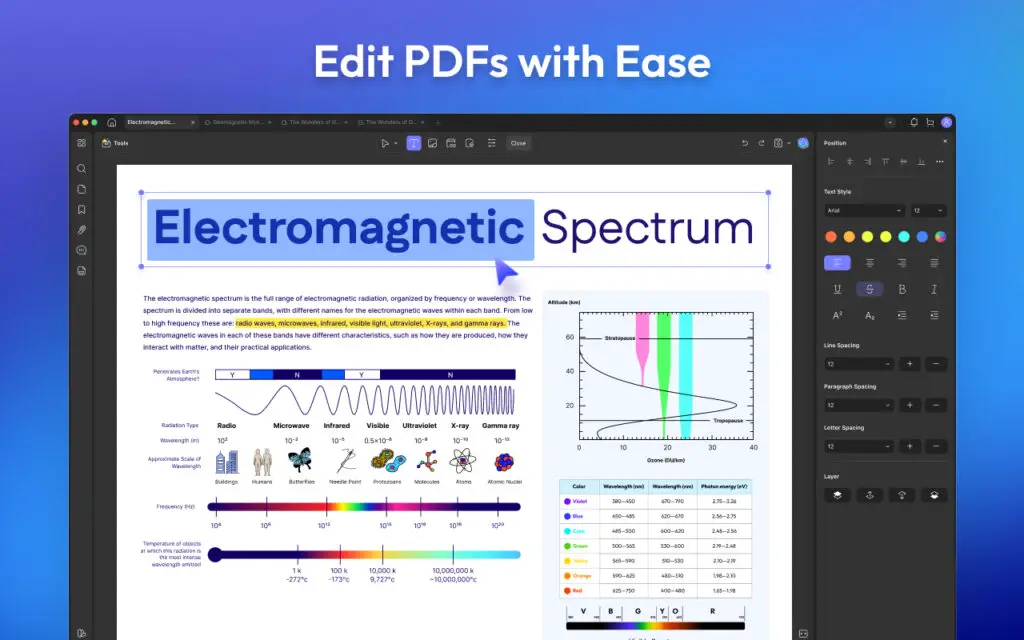
With UPDF, editing feels surprisingly straightforward. I can click directly into text, rewrite sections, change fonts, resize images, highlight, OCR, sign, move elements around, and the document stays intact. No random spacing issues, no broken layouts, no fighting the software.
This is exactly the kind of thing I deal with when trying to open tax forms, resumes or fixing PDFs that were clearly never meant to be edited again. UPDF handles those scenarios far better than I expected.
If editing is your main concern, this page gives a clear overview of what it can do.
PDF Conversion That Does Not Destroy Your Files
Converting PDFs is another area where many tools technically work but practically fail.
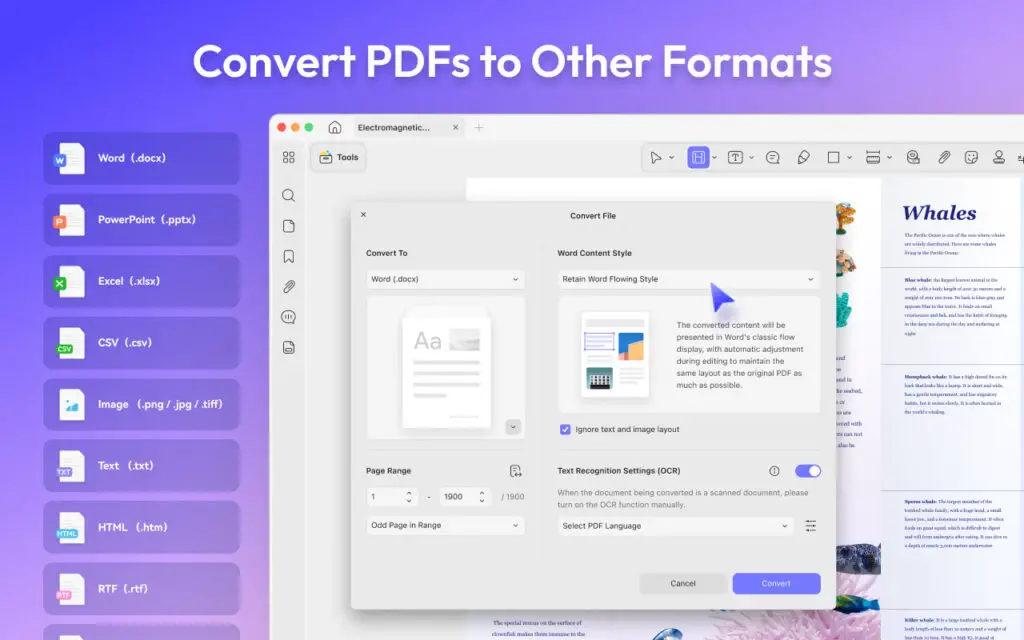
I tested UPDF by converting PDFs to Word and Image, including files with tables, charts, and mixed formatting. The results were clean enough that I did not have to manually fix everything afterward, which is rare. Sure, Acrobat can do conversions, but it costs an arm and a leg and the result is mediocre at best with often times having to navigate through a million menus. UPDF is 2 buttons and bam! DOCX file.
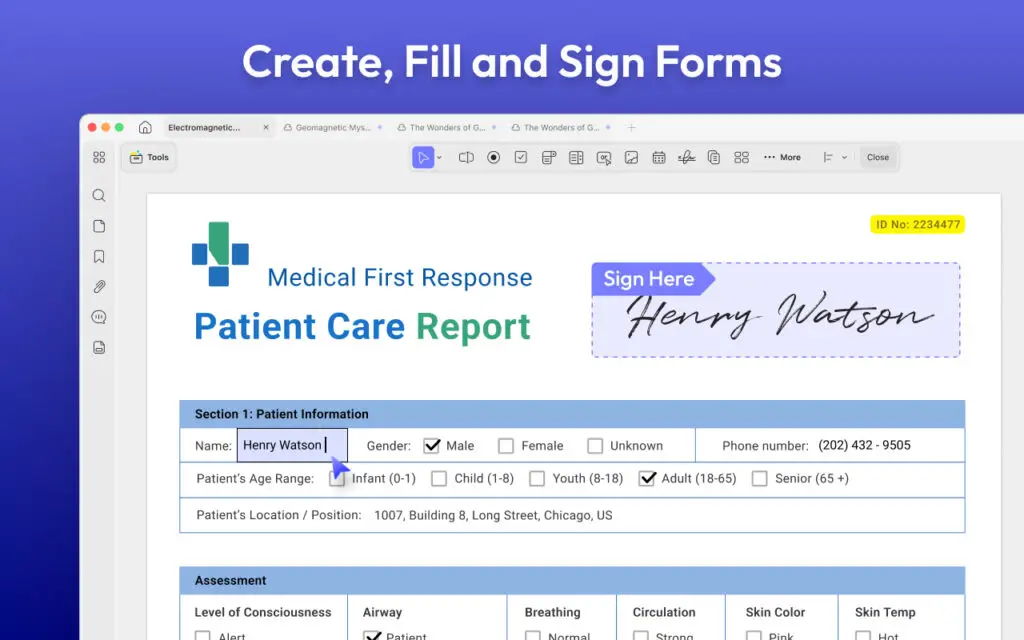
For anyone working with reports, invoices, or research documents, this alone saves a huge amount of time. You can see all supported conversion formats here.
UPDF AI Summary, One of the Few AI Features I Actually Use
I am generally skeptical about AI features in productivity apps because most of them feel like marketing checkboxes, and to be honest it’s a gimmick that every app tries to have these days to sound cool. Yay! Fridge powered by AI…
However, UPDF AI actually surprised me. Finally a real good usage for AI in a document editor. I used it to summarize long technical PDFs and documentation files, and the summaries were actually useful. Instead of vague paragraphs, it pulled out key points in a way that helped me quickly understand what mattered without reading 50 pages end to end.
In the video I made I even demonstrated having the AI compose small tests from the learning material I gave it, this way I can test if I know the topic or I need to chew it up a bit more. This is actually useful.
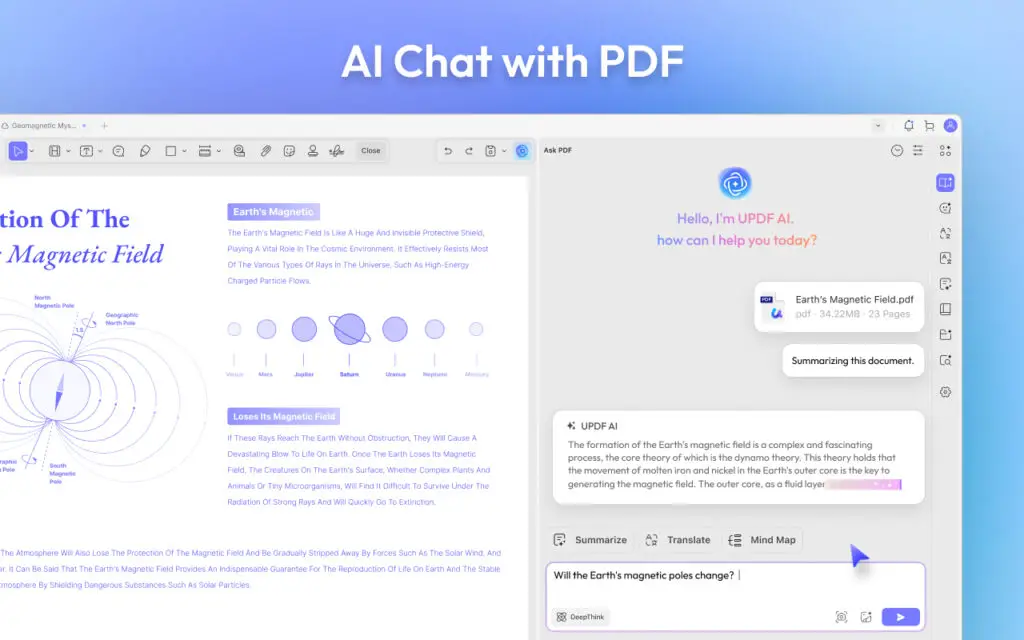
It’s also simple enough that it doesn’t get in the way. A simple chat window, you can attach a PDF document and ask the AI anything about said document. It will read it in a second or so and then do whatever you need. Extract info from it, make quizzes, flashcards, etc. Neat.
How UPDF Compares to Adobe Acrobat, PDF Expert, and PDFelement
It’s no secret that the predatory pricing at Adobe has been an issue for a while so for most users today, it is simply overpriced and hard to use. Yes, it has a billion features hidden deep down in all the menus, but how many of those do you really need, and how many are there just to make the cancellation fee look a bit less predatory?
UPDF covers the features people actually use, editing, converting, annotating, signing, and AI assistance, without locking everything behind a huge monthly subscription.
Compared to PDF Expert, UPDF feels more complete if you work across platforms or need more than just basic PDF tweaks. The availability of mobile apps with cloud sync is very neat.
Against PDFelement, UPDF feels faster, cleaner, and more consistent in daily use. PDFelement does have mobile apps but they are far less polished and I had issues with tax forms not being filled properly on mobile so I stay clear.
The simplest way I can put it is this, UPDF is significantly more affordable than PDF Expert while still covering most professional PDF needs, and it avoids the constant upsell pressure that comes with Adobe Acrobat.
Pricing, This Is Where UPDF Really Makes Sense
UPDF’s pricing is one of the main reasons I stuck with it. Pricing and the cross compatibility.
Yes, it’s a big deal for me to start filling a form or writing a document at the coffee shop or on the train on my phone and then be able to pick it up and continue where I left off right on my PC without USB flash drives or sending it over via e-mail.
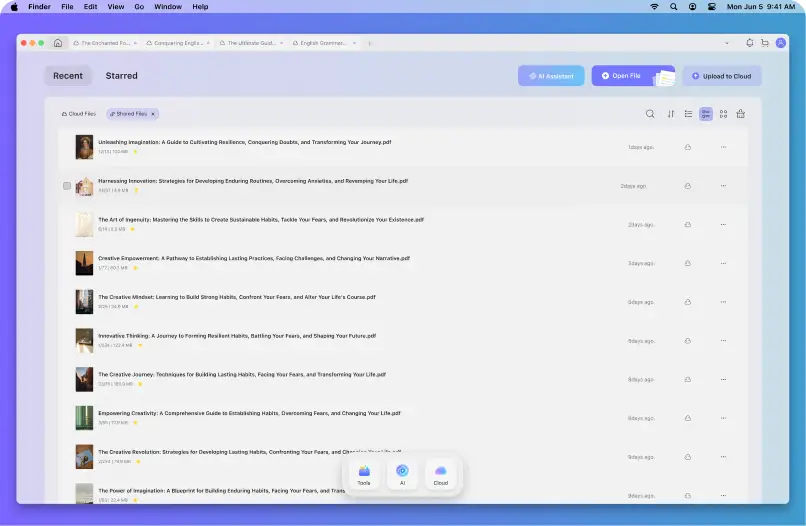
Instead of forcing you into an expensive subscription, it offers pricing that actually feels fair for what you get. For students, professionals, and creators, that matters a lot.
There is currently a solid promotion running, and if you are curious, this is the best place to start.
Who I Think UPDF Is For
UPDF makes the most sense if you:
- Edit or annotate PDFs regularly
- Convert PDFs to Word or Excel for real work
- Read long PDFs and want faster summaries
- Need to sign, OCR, or stamp PDFs
- Need to fill forms like tax forms and such
- Are tired of expensive PDF subscriptions
Final Thoughts From iDevice Central
I did not go into this expecting to replace Adobe Acrobat, but that is exactly what happened.
UPDF is cheaper, faster to work with, and more practical for how people actually use PDFs in 2026. It does not try to overwhelm you with features you will never touch, and it does not punish you with subscriptions for basic functionality or cancellation fees when the subscription is too much.
Instead you get a honest, functional PDF editor with enough features that most people will never need anything more, proper cross platform support and Cloud assisted handoff which I found very neat.
More iDevice Central Guides
- iOS 17 Jailbreak RELEASED! How to Jailbreak iOS 17 with PaleRa1n
- How to Jailbreak iOS 18.0 – iOS 18.2.1 / iOS 18.3 With Tweaks
- Download iRemovalRa1n Jailbreak (CheckRa1n for Windows)
- Dopamine Jailbreak (Fugu15 Max) Release Is Coming Soon for iOS 15.0 – 15.4.1 A12+
- Cowabunga Lite For iOS 16.2 – 16.4 Released in Beta! Install Tweaks and Themes Without Jailbreak
- Fugu15 Max Jailbreak: All Confirmed Working Rootless Tweaks List
- iOS 14.0 – 16.1.2 – All MacDirtyCow Tools IPAs
- iOS Jailbreak Tools for All iOS Versions
