
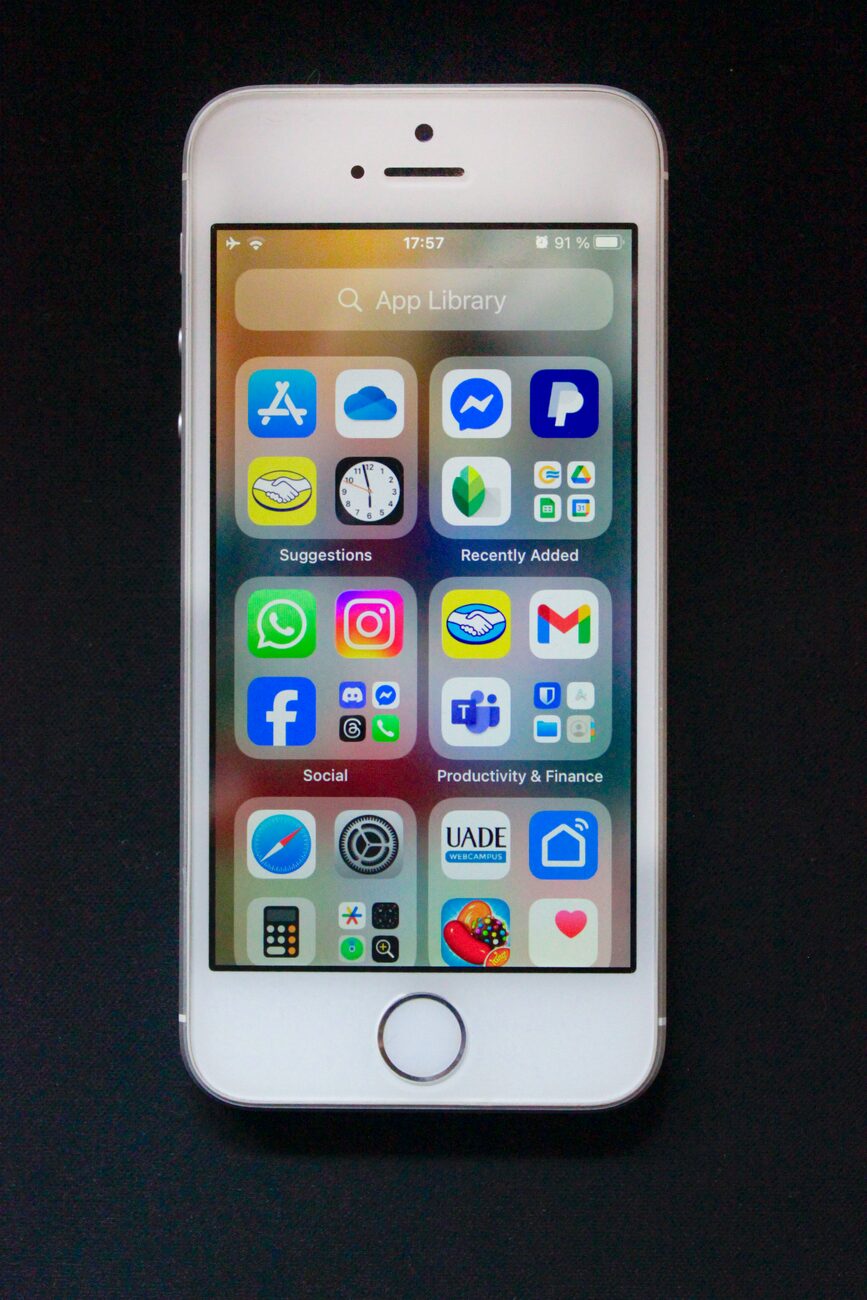
Using your iPhone or iPad to run your business, whether it’s managing inventory or processing sales, is super convenient. These devices are powerful for both new entrepreneurs and established companies. But when you’re dealing with money and private customer information, that convenience needs to be balanced with strong security. This protects both your business and your clients.
Hardening iOS for Data Protection
Apple designs its devices with security in mind, but you have to set them up right to get the most out of them. The first step to securing your business device is to put strong basic protections in place. People often call this “device hardening.”
Start with the most obvious defense: your passcode. A simple four- or six-digit code isn’t enough for a business device. Go to Settings > Face ID & Passcode (or Touch ID & Passcode) and pick “Change Passcode.” Tap “Passcode Options” to choose a Custom Alphanumeric Code. A strong password that mixes letters, numbers, and symbols is much harder to crack.
Always turn on Face ID or Touch ID for quick, secure access. Also, enable two-factor authentication for your Apple ID to stop anyone from getting into your account without permission.
Integrating with Reliable Payment Systems
Your device’s security is only half the story when it comes to transactions. The payment system you use is just as important. When a customer pays you, their card information travels from your device, through a payment gateway, and into the financial networks. You need to make sure that the whole journey is encrypted and secure.
Picking a trustworthy payment processor is key to protecting customer data and keeping people’s trust. A good provider makes sure its systems follow the Payment Card Industry Data Security Standard (PCI DSS). This standard helps prevent credit card fraud by adding more controls around data.
When you work with a compliant provider, they handle a lot of the security work for you. If you’re ready to accept payments securely, you can set up your merchant account here to add a compliant and reliable system to your business.
Best Practices for Transaction Security
Your daily habits play a big part in staying secure. One of the biggest risks is using public Wi-Fi networks for business. These networks are often not secure, which means bad actors could potentially grab data moving between your device and the internet.
When you’re processing payments or looking at sensitive business information, always use your cellular data or a trusted, password-protected Wi-Fi network. If you absolutely have to use a public network, use a good VPN (Virtual Private Network) to encrypt your traffic.
It’s also important to watch out for phishing attempts. These are fake emails, texts, or messages designed to trick you into giving away private information like passwords or financial details. Be suspicious of any message that comes out of nowhere, makes you feel rushed, or asks you to click a link and log into an account.
Choosing Secure Business Apps
The iOS App Store is carefully managed, but it’s still up to you to check out the apps you use for your business. Before you download any app that will handle customer data or money, do some research and pay attention to basic iOS app security.
- Check the Privacy Details: On the app’s page, scroll down to the “App Privacy” section. This shows what data the app collects and whether it’s connected to you.
- Read Recent Reviews: Look for comments about security problems, bugs, or weird behavior. Pay more attention to recent, detailed reviews rather than older ones.
- Look into the Developer: Tap the developer’s name to see what other apps they’ve made. A developer with a history of well-kept, professional apps is usually a safer bet than someone unknown with only one app.
Regular Audits and Updates
Security isn’t something you can set up once and forget about. It needs ongoing attention. One of the most important things you can do is keep your device’s software updated. iOS updates often include crucial security fixes that protect you from new vulnerabilities. Turn on automatic updates in Settings > General > Software Update to make sure you’re always protected.
You should also regularly check the apps on your device. Go through your settings and see which apps have permission to access your location, contacts, photos, and microphone. If an app doesn’t need that access to work, turn off the permission. Uninstall any apps you don’t use anymore to reduce potential weak spots on your device.
Making these security steps a regular part of your business routine helps ensure your iOS device stays a safe and reliable tool for every transaction.
More iDevice Central Guides
- iOS 17 Jailbreak RELEASED! How to Jailbreak iOS 17 with PaleRa1n
- How to Jailbreak iOS 18.0 – iOS 18.2.1 / iOS 18.3 With Tweaks
- Download iRemovalRa1n Jailbreak (CheckRa1n for Windows)
- Dopamine Jailbreak (Fugu15 Max) Release Is Coming Soon for iOS 15.0 – 15.4.1 A12+
- Cowabunga Lite For iOS 16.2 – 16.4 Released in Beta! Install Tweaks and Themes Without Jailbreak
- Fugu15 Max Jailbreak: All Confirmed Working Rootless Tweaks List
- iOS 14.0 – 16.1.2 – All MacDirtyCow Tools IPAs
- iOS Jailbreak Tools for All iOS Versions


