
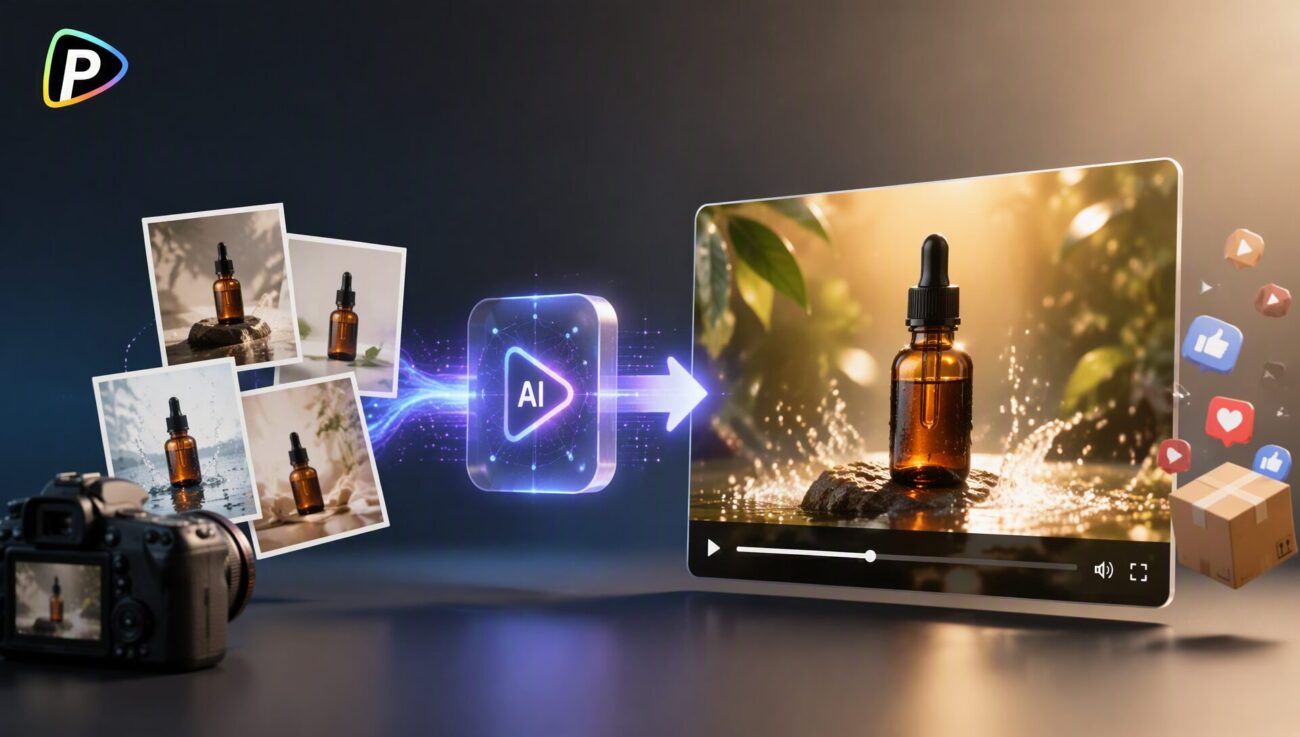
Many businesses have product photos but need more video content for social media, product pages, and advertising. An image to video AI generator can turn existing images into short videos by adding movement, camera effects, and visual changes without requiring a full filming process.
Pollo AI’s image to video tool allows users to upload images, describe the desired motion or scene, and generate videos based on the original visuals. The workflow supports image-based video creation and provides access to different AI video models for creating product-focused content.
What to Prepare Before Creating Videos
The source image is the foundation of the final video. Since image to video AI generator from Pollo AI uses the uploaded photo as a reference, clear and suitable images usually produce more consistent results.
1. Use Clear Images with Visible Product Details
Product images should clearly show the shape, color, texture, and key features of the item. Photos with heavy shadows, unclear angles, or distracting backgrounds may cause the generated video to lose important details.
For example, a clothing brand can use images showing the front design and material details of a jacket, while a cosmetics brand can provide close-up packaging images.
2. Choose Images Based on the Video Goal
Different images work better for different marketing purposes. Clean product photos are suitable for product showcases, while lifestyle images can work better for storytelling.
For example, a coffee machine image can be turned into a kitchen scene, while outdoor products can be placed in travel-related environments. The selected image should match the message the video needs to deliver.
How to Create Product Videos with Pollo AI’s Image to Video Generator
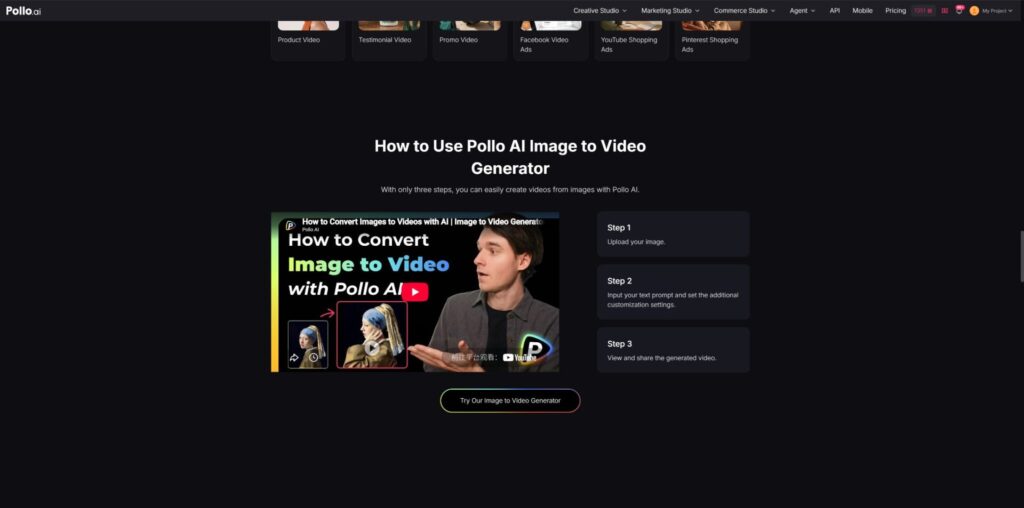
Pollo AI’s image to video workflow allows users to upload a product image, enter a prompt, and generate a video. Similar to other AI video creation approaches, such as the HeyGen AI video generator, the quality of the final result depends on the input materials and creative instructions. While the process is straightforward, several details can affect whether the result is suitable for marketing use.
1. Upload a Product Image That Works Well
The uploaded image determines what the AI focuses on during generation. A clear product image is often enough for simple showcase videos, but products with complex designs may require better angles or multiple image options.
Users should avoid images where the product is too small, partially hidden, or surrounded by too many objects. For products with text, logos, or detailed patterns, the final video should be checked carefully to ensure these elements remain accurate.
2. Write Prompts Around Movement and Scene Direction
A common mistake is only describing the product. Since the image already shows the product appearance, the prompt should focus on movement, camera direction, and the intended scene.
For example, instead of writing “Create a video of a luxury watch,” a more useful prompt would be:
“Create a slow camera movement around the luxury watch with soft lighting and realistic reflections on the surface.”
Useful prompt details include camera movement, product actions, background settings, lighting, and video style. Keeping the instruction focused usually produces more predictable results than combining too many effects.
3. Review Different Versions Before Publishing
The first generated video may not always be the best option. AI videos can sometimes create unnatural movement, unexpected backgrounds, or changes to small product details.
Before publishing, businesses should check whether the product appearance remains consistent, whether the motion looks natural, and whether the video fits the brand style. Testing several versions with different prompts can help find a better result.
How to Use AI-Generated Product Videos for Different Marketing Purposes
After converting images into videos, businesses can adapt the content for different marketing channels.
1. Create Short Social Media Product Clips
Short videos are widely used on platforms such as TikTok, Instagram Reels, and YouTube Shorts. Turning product images into short clips allows businesses to create more content without recording new footage for every campaign.
For example, a jewelry brand can create a rotating product showcase, while a food company can add motion effects to packaging images.
2. Test Advertising Concepts
AI-generated videos can also help marketers explore creative ideas before investing in larger productions.
Businesses can test different approaches, such as product close-ups, lifestyle scenes, seasonal visuals, or simple product demonstrations. These versions can help identify which style works best for a campaign.
3. Expand Existing Product Content
Many online stores already have product photos but limited video assets. Converting selected images into videos can help create additional marketing materials without producing new footage for every item.
This approach is useful for businesses that need regular content updates across multiple platforms.
Avoid Common Issues When Creating Product Videos
Although an image to video AI generator simplifies video creation, the results still require review. AI-generated content may not always match the original product perfectly, especially when images contain small details.
Keep Prompts Simple and Specific
Prompts with too many actions, locations, and effects can make results harder to control. For product videos, focusing on one clear idea, such as highlighting product design or showing a usage scenario, usually works better.
Check Product Details Before Publishing
Brand names, text, logos, and complex patterns may change during generation. Businesses should review the final video before using it for advertisements, product pages, or official marketing channels.
For most businesses, the best workflow is to use AI video generation as a way to expand existing content. A practical approach is to select suitable product images, generate several versions, compare the results, and choose the video that matches the target platform.
For example, social media content may focus on short and dynamic clips, while product pages may need cleaner videos that highlight product details. Matching the image, prompt, and video format with the final purpose can improve the overall result.
Conclusion
An image to video AI generator allows businesses to create product videos from existing photos without a complete filming process. It can support social media marketing, advertising tests, and product promotion by turning static images into more engaging visual content.
The most useful results come from choosing clear images, writing focused prompts, and reviewing generated videos before publishing. When used with realistic expectations, AI video tools can help businesses create more flexible marketing content from the assets they already have.
More iDevice Central Guides
- iOS 17 Jailbreak RELEASED! How to Jailbreak iOS 17 with PaleRa1n
- How to Jailbreak iOS 18.0 – iOS 18.2.1 / iOS 18.3 With Tweaks
- Download iRemovalRa1n Jailbreak (CheckRa1n for Windows)
- Dopamine Jailbreak (Fugu15 Max) Release Is Coming Soon for iOS 15.0 – 15.4.1 A12+
- Cowabunga Lite For iOS 16.2 – 16.4 Released in Beta! Install Tweaks and Themes Without Jailbreak
- Fugu15 Max Jailbreak: All Confirmed Working Rootless Tweaks List
- iOS 14.0 – 16.1.2 – All MacDirtyCow Tools IPAs
- iOS Jailbreak Tools for All iOS Versions


