
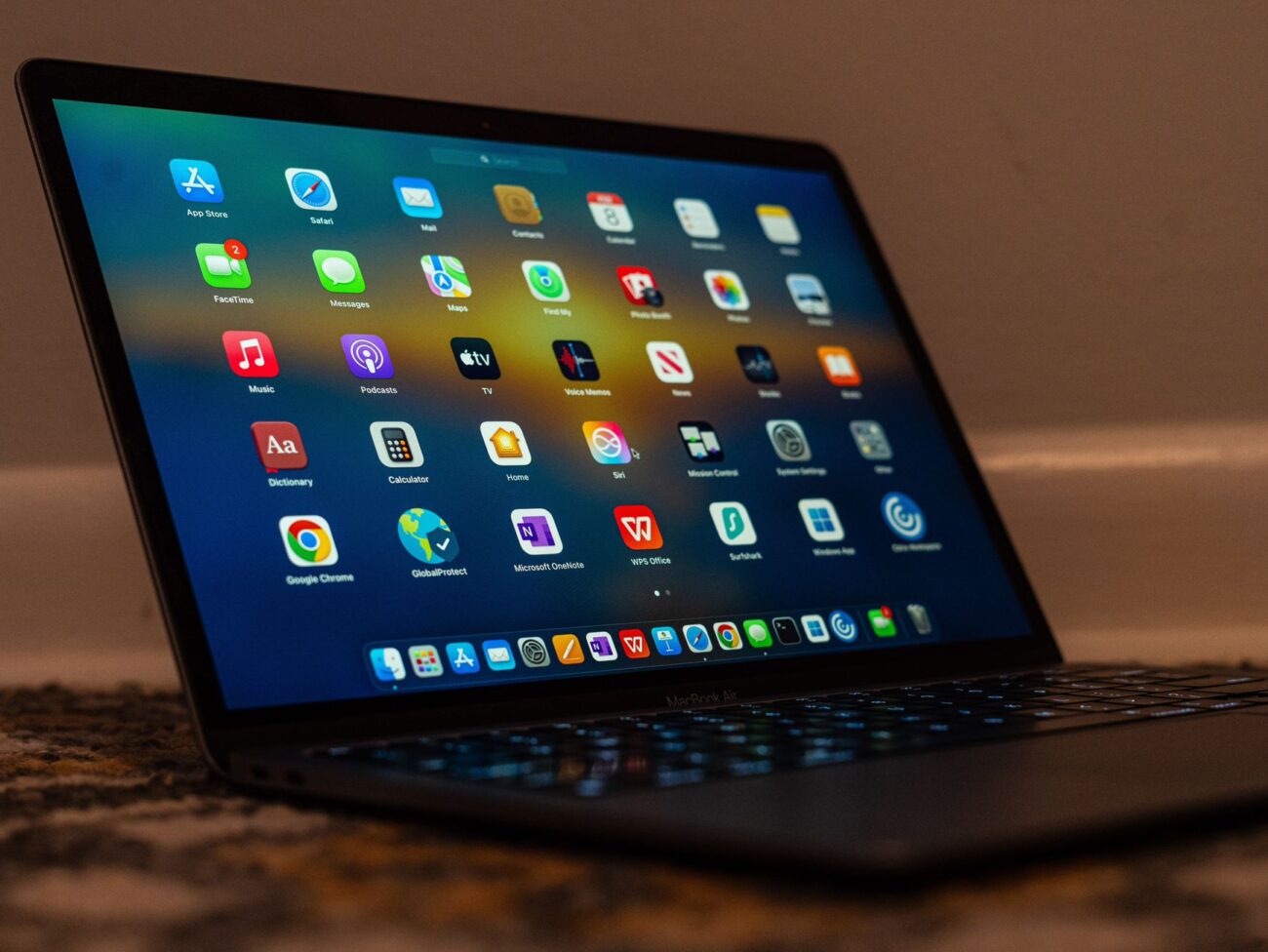
We all know how tough it can be to need some extra space on our Mac, but to not have it. And unless you are very conscious about what you install and how you use your device, a lot of the time you will have a variety of issues finding space for the
stuff you want to use. Hence the reason why it can be a great idea to use these tips and tricks to help you make the most out of your Mac’s storage.
Keep at least 10-20% free space on your drive
If you want your Mac to run very well, keeping up to 20% free space on your Mac can help you quite a lot. That free space is not wasted, though.
Instead, the free space is used for system processes, temporary files, virtual memory and so on. In general, you will notice that your device runs better when it has more free space, so keep that in mind.
Remove large, unused files
While it might be a shocker for some people, removing large, unused files is a great idea. Those will end up wasting space and thus lowering the performance of your device.
A good rule of thumb with this is to remove the files, and then you will see it will lead to a much better experience.
When removing these large files, look for the Downloads folder, DMG files or archives, old videos and even unused project folders. Deleting those might help more than you expect.
Empty the trash often
It’s an obvious one, but people delete stuff a lot, yet they never empty the trash. And that’s why you want to do so whenever possible.
And while there, you can also use a Mac cleanup tool like https://cleanmymac.com/. The great thing about it is that it can help delete unnecessary files, empty the trash, and just do all the necessary maintenance at the press of a button. It truly is a great experience, and it can give you the outcome you’re looking for.
Optimize the photo storage
For a lot of people, video and photo storage eats up a lot of space on their device. There are a few ways for you to handle that. Store the originals on iCloud and other cloud services, as it will help quite a bit.
You can also buy external storage if you want, to have a dedicated spot for storing stuff outside of your device. And of course, delete duplicates or unwanted images.
That involves going through everything, sure, but it’s going to be worth it in the end.
Remove old iPhone backups
The problem is that a lot of people are doing iPhone backups and it becomes problematic when you have a dozen of those.
The most important thing that you can do is to try and remove old iPhone and iPad backups, especially if you think there are a ton of them. Most of the time, you do have a lot of these, so ensure that you delete them properly.
Delete browser downloads
As we said earlier, the Downloads folder is where you can find a lot of these things. And the reality is that you want to delete the browser downloads to the best of your capabilities. It comes in handy to delete the downloads, especially the larger ones.
In general, sift through these and see which ones you are not using. It’s worth it in the end, and you will be very happy with the results.
Review the login items
Login items can also slow down your device. Enter the Login items and Extensions part of the general system settings, and then disable all the programs that you don’t want to start automatically. It might be a simple change, but it’s certainly one that you want to make, and it’s totally worth it.
Move files to an external drive
Not every file on your device is necessary, that’s for sure. A good rule of thumb is to try and move those files to an external drive, if possible.
Most people do that and can end up saving a lot of space. It also bolsters the performance of your device, so it’s very much necessary to do this. And ideally, you want to have an external SSD, because it’s fast and very effective.
Conclusion
We always recommend finding methods that will help boost the power of your device. It works great and if you start implementing ideas like these, then the results will be quite impressive.
Yes, it will take a bit of a trial and error to approach these ideas, but at the end of the day, they are always worth the effort, so keep that in mind.
And yes, once you start using them, do that often, because a frequent maintenance system will help boost performance.
More iDevice Central Guides
- iOS 17 Jailbreak RELEASED! How to Jailbreak iOS 17 with PaleRa1n
- How to Jailbreak iOS 18.0 – iOS 18.2.1 / iOS 18.3 With Tweaks
- Download iRemovalRa1n Jailbreak (CheckRa1n for Windows)
- Dopamine Jailbreak (Fugu15 Max) Release Is Coming Soon for iOS 15.0 – 15.4.1 A12+
- Cowabunga Lite For iOS 16.2 – 16.4 Released in Beta! Install Tweaks and Themes Without Jailbreak
- Fugu15 Max Jailbreak: All Confirmed Working Rootless Tweaks List
- iOS 14.0 – 16.1.2 – All MacDirtyCow Tools IPAs
- iOS Jailbreak Tools for All iOS Versions


